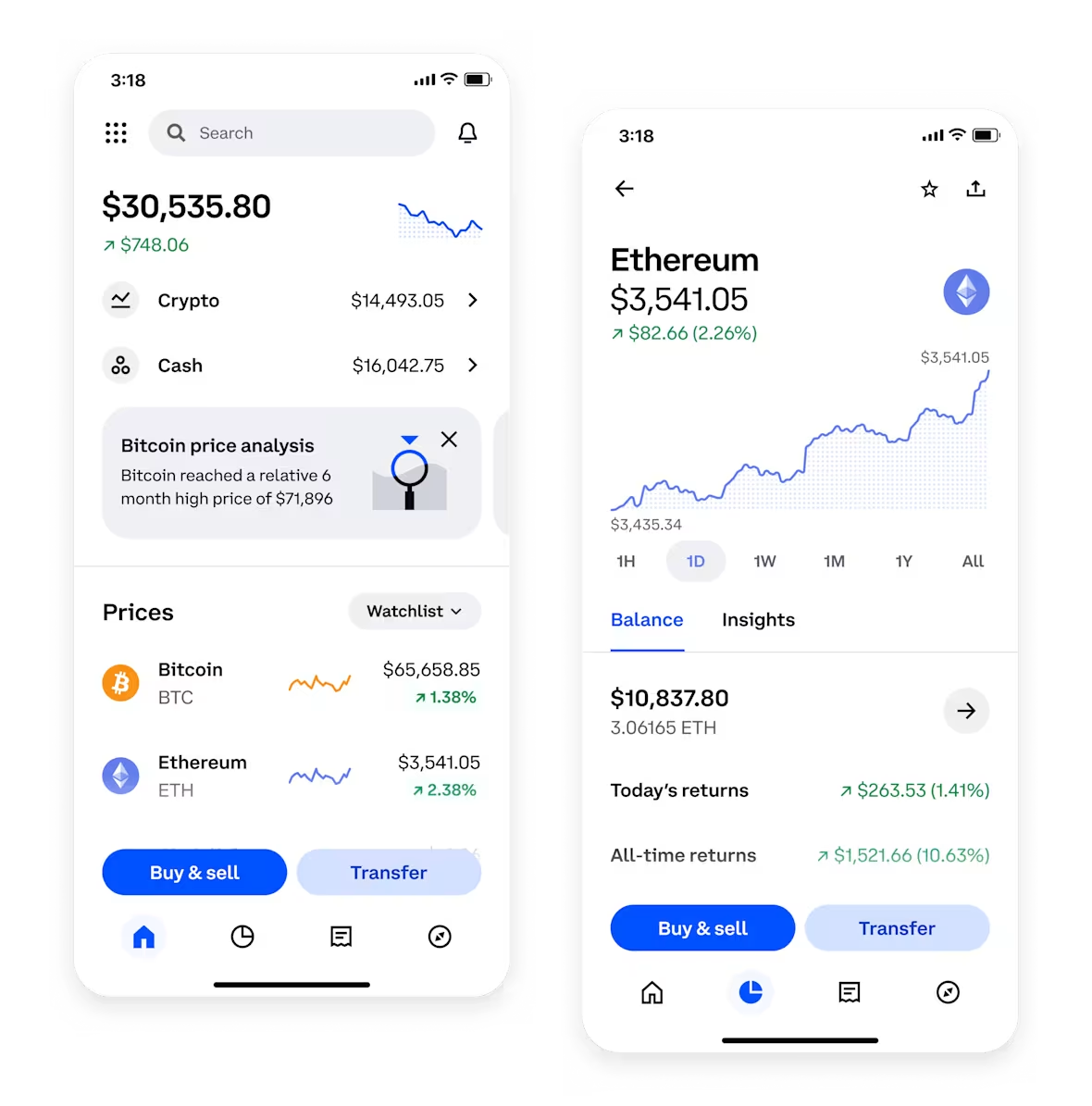

Transferring digital assets from a Huobi wallet to a Binance exchange account is a common task for cryptocurrency traders looking to consolidate funds or take advantage of different trading pairs. While the process is straightforward, following the correct steps ensures your funds arrive safely and quickly. This guide walks you through the entire procedure, from preparing your Binance address to confirming the transaction on the blockchain.
Before you begin, ensure you have installed the latest version of the Huobi wallet app and have access to your Binance account. Security is critical—double-check that your device is free from malware and that you are using a secure internet connection. Never share your private keys or seed phrases with anyone.
Step 1: Obtain Your Binance Deposit Address
Log in to your Binance account. Navigate to "Wallet" and select "Deposit." Choose the cryptocurrency you wish to transfer (e.g., USDT, BTC, ETH). Binance will display a deposit address and may ask you to select a network (such as ERC-20, BEP-20, or TRC-20). It is vital to match the network with the one used in your Huobi wallet. Sending assets on the wrong network can result in permanent loss.
Step 2: Initiate the Withdrawal from Huobi Wallet
Open your Huobi wallet app and tap "Send" or "Withdraw." Paste the Binance deposit address you copied earlier. Carefully verify the entire address—do not rely solely on the first and last few characters. A single typo can cause funds to be lost. Enter the exact amount you want to transfer, keeping in mind the network fee (gas fee) that will be deducted from your total balance.
Step 3: Review Network and Fee Details
Both Huobi and Binance will show the estimated network fee and the final amount you will receive. Confirm that the network selected on Huobi matches the network you chose on Binance. For example, if you selected BEP-20 on Binance, ensure Huobi is also set to BEP-20. Using different networks (e.g., sending ERC-20 to a BEP-20 address) will cause the transaction to fail or be lost.
Step 4: Confirm and Wait for Confirmation
Tap "Confirm" in Huobi wallet. You may be prompted to verify the transaction via a security code or biometric authentication. Once submitted, the transaction will appear as "Pending" on the blockchain. The time required varies by network: Ethereum-based transfers may take several minutes, while Binance Smart Chain or Tron transfers are typically faster. You can track the status using a block explorer like Etherscan or BscScan by entering your transaction hash.
Step 5: Check Your Binance Balance
After the network confirms the transaction, go to your Binance "Deposit History" or "Wallet Overview." The funds should appear under the relevant asset. If they do not appear within 30 minutes, double-check the transaction status using the hash. Ensure you did not deposit to a suspended or unsupported address. In rare cases, Binance may require additional confirmations for large amounts.
Important Tips for a Successful Transfer
- Use the correct memo/tag for coins like XRP, BNB, or XLM. Some networks require a memo or destination tag; omitting it can result in lost funds.
- Start with a small test transfer if you are moving a large amount. This minimizes risk if you make a minor mistake.
- Keep a record of the transaction ID for support purposes.
- Avoid peak network times when fees are high and confirmations are slow.
Transferring from Huobi wallet to Binance is a routine operation, but it requires careful attention to network compatibility and address accuracy. By following these steps precisely, you can move your crypto assets safely and efficiently between the two platforms.